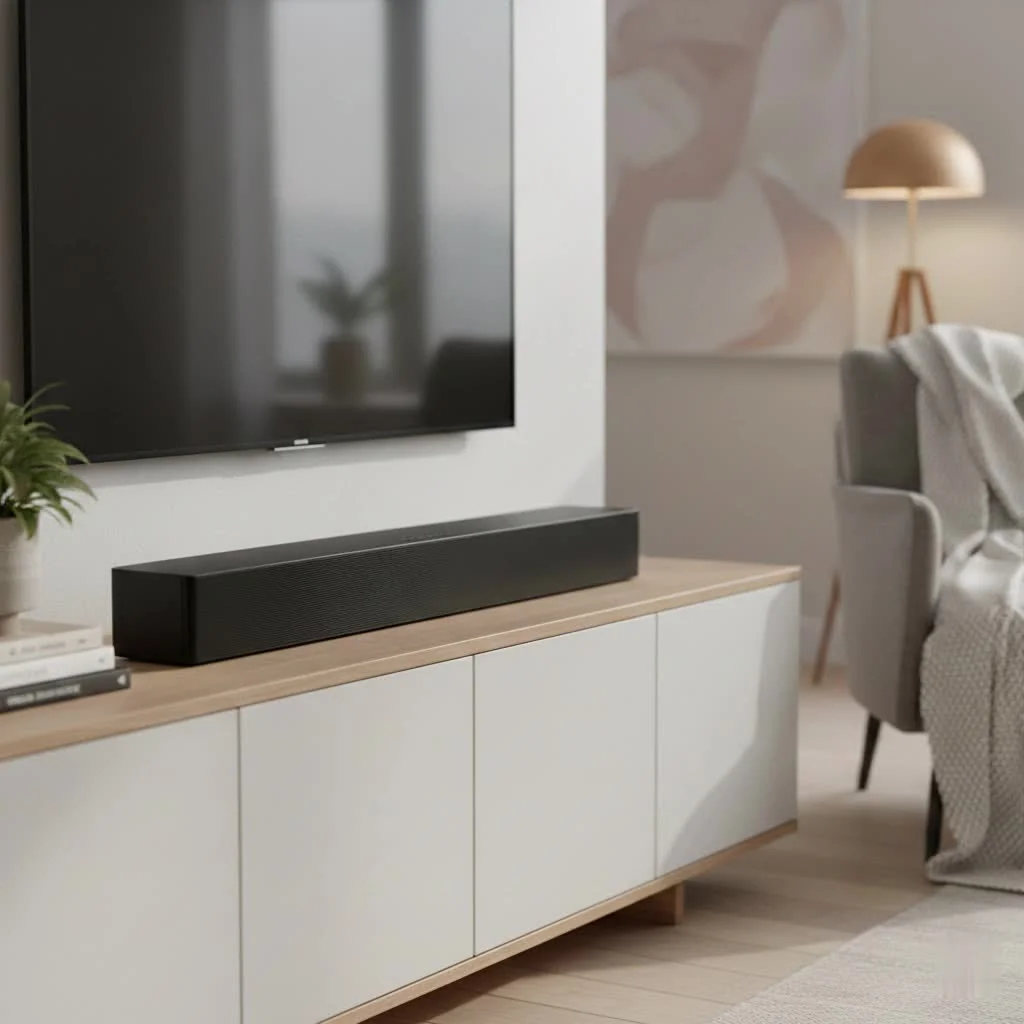
Let’s face it, the built-in speakers on most modern TVs are, well, a bit of a letdown. You’ve got this gorgeous, crystal-clear picture, but the sound often feels flat, dialogues are muffled, and explosions sound more like a gentle puff. If you’ve been yearning for a richer audio experience without having to remortgage your house, then diving into the world of a cheap sound bar is your ticket to sonic bliss. Don’t let the word “cheap” fool you; today’s budget-friendly sound bars offer an incredible bang for your buck, transforming your living room into a much more immersive entertainment hub.
Why Bother with a Cheap Sound Bar? The Transformative Power of Budget Audio
Many people wonder if a budget sound solution is truly worth it. “Can a cheap sound bar actually make a difference?” is a question I hear all the time. The answer is a resounding yes! Think about it: your TV’s tiny, downward-firing speakers are an afterthought. They’re designed for basic functionality, not for delivering dynamic movie soundtracks or crisp dialogue. A dedicated cheap sound bar, even an entry-level model, is engineered specifically for audio reproduction. It pushes sound forward, enhancing clarity, adding depth, and bringing out details you simply couldn’t hear before. For around $100, you can buy something that doubles as a Bluetooth music streamer and a TV sound system. This immediate, noticeable improvement across all your content – from intense action flicks to your favorite sitcoms and even background music – is why a budget sound bar is one of the smartest upgrades you can make for your home entertainment.
What Does “Cheap” Really Mean for Sound Bars? Setting Your Expectations
When we talk about a “cheap sound bar,” we’re generally looking at models ranging from under $100 to around $300. This price bracket has seen incredible innovation, bringing features once reserved for premium models to a wider audience. While you won’t get the same room-filling, object-based audio immersion of a thousand-dollar system, you’ll still experience a significant leap in quality over your TV’s speakers. The sweet spot for balancing features and performance often lies between $100 and $300, offering a great balance of features and performance. You might encounter some compromises, like less powerful bass from a standalone bar or fewer advanced sound customization options, but the value proposition is undeniable. The quality of cheap soundbars has increased significantly in recent years, with many now including subwoofers at this level.
Key Features to Prioritize in an Affordable Sound Bar
|
Our Picks for the Best Sound Bar in 2026
As an Amazon Associate I earn from qualifying purchases.
|
||
| Num | Product | Action |
|---|---|---|
| 1 | Samsung HW-C450 2.1ch Soundbar w/DTS Virtual X, Subwoofer Included, Bass Boost, Adaptive Sound Lite, Game Mode, Bluetooth, Wireless Surround Sound Compatible |

|
| 2 | Sound Bar for Smart TV, 80W Soundbar with Bluetooth/ARC/Opt/AUX Connect, Auto Volume Boost, 3 Equalizer Modes, 2 in 1 Detachable Soundbar for TV/PC/Gaming/Projectors |
|
| 3 | Sound Bar for Smart TV, 80W Soundbar with Bluetooth/ARC/Opt/AUX Connect, Dynamic Volume Boost, 3 Equalizer Modes, 2 in 1 Detachable Soundbar for TV/PC/Gaming/Projectors |
|
| 4 | Sonos Beam Gen 2 - White - Soundbar with Dolby Atmos |
|
| 5 | Sound Bar for Smart TV, 80W Soundbar with Bluetooth/ARC/Opt/AUX Connect, Auto Volume Boost, 3 Equalizer Modes, 2 in 1 Detachable Soundbar for TV/PC/Gaming/Projectors |
|
| 6 | VIZIO V-Series 2.0 Compact Sound Bar with Dolby Audio, DTS:X, Bluetooth V20x-J8 |
|
| 7 | Sony S100F 2.0ch Soundbar with Bass Reflex Speaker, Integrated Tweeter and Bluetooth, (HTS100F), easy setup, compact, home office use with clear sound black |
|
| 8 | ULTIMEA 5.1CH Surround Sound Bar with Subwoofer, Dolby Atmos, VoiceMX, BassMX, APP, 300W Soundbar for Smart TV, Home Theater Surround Sound System for TV, BT 5.4, Poseidon M60 (2025 Model) |
|
| 9 | Sonos Beam Gen 2 - Black - Soundbar with Dolby Atmos |
|
| 10 | MZEIBO Sound Bar with Subwoofer,120W Soundbar for Smart TV Surround Sound Home Theater System Bluetooth 5.3 Audio Compatible with ARC, AUX, Optical |
|
Navigating the options for a cheap sound bar can feel overwhelming, but focusing on a few key features will help you find the perfect fit for your needs and budget.
Connectivity is King: HDMI ARC, Optical, and Bluetooth
Good connectivity is paramount for a seamless audio experience.
- HDMI ARC (Audio Return Channel): This is your best friend. HDMI ARC allows audio to travel both ways through a single HDMI cable, meaning your TV can send audio to the sound bar and the sound bar can send video through to the TV (if it has multiple HDMI inputs). It simplifies your setup and supports higher-quality audio formats. For the sake of future-proofing, look for at least three inputs and try to make sure they can pass 4K and HDR signals.
- Optical: A reliable alternative, especially for older TVs. Almost every soundbar and TV, regardless of age, will have an optical connection. It’s straightforward, but note that it’s restricted in bandwidth compared to ARC/eARC, meaning it might not support the most advanced immersive formats like Dolby Atmos or DTS:X.
- Bluetooth: Essential for wireless music streaming from your phone or tablet. Look for Bluetooth 5.0 or higher for stable wireless streaming. Almost every soundbar on the market features Bluetooth, allowing you to easily connect devices.
The Bass Advantage: Why a Subwoofer (Even a Small One) Matters
If you want truly impactful sound, especially for movies and music, a cheap sound bar bundled with a subwoofer is often a superior choice. Bass is something no onboard TV speaker can offer.
- 2.1 Systems Explained: Many budget sound bars come as 2.1 channel systems, meaning two main speakers in the bar and one separate subwoofer. The subwoofer handles the low-frequency effects, adding essential rumble to action scenes and depth to music. Even a small subwoofer dramatically boosts immersion for action movies and music.
- Wireless vs. Wired Subwoofers: Most budget subwoofers are wireless, simplifying placement and reducing cable clutter. They typically pair automatically with the sound bar, making setup a breeze.
Channel Configurations: 2.0, 2.1, and Beyond
The channel count tells you how many speakers are in your system and how they deliver sound.
- 2.0 Channel: A basic sound bar with two speakers, primarily enhancing dialogue and stereo sound. Ideal for very small spaces or if dialogue clarity is your main goal.
- 2.1 Channel: As discussed, this adds a subwoofer for much-needed bass. It’s a significant upgrade for general entertainment.
- Virtual Surround and Budget Dolby Atmos: Some affordable sound bars use clever processing (like DTS Virtual:X or virtual Dolby Atmos) to create a sense of surround sound or overhead effects without requiring extra speakers. While not as precise as a true multi-speaker setup, it can certainly enhance immersion. Models like the TCL S55H offer Dolby Atmos and DTS Virtual:X for immersive sound at a budget-friendly price.
Sound Modes and EQ: Tailoring Your Audio Experience
The ability to adjust your sound is a huge plus for any cheap sound bar.
- EQ Presets: Look for sound bars that offer preset modes like “Movie,” “Music,” and “Dialogue.” These modes optimize the audio profile for different content types. For instance, dialogue mode often boosts mid-range frequencies to make speech clearer.
- Bass/Treble Adjustment: Individual controls for bass and treble allow you to fine-tune the sound to your personal preference and room acoustics.
Top Picks for the Savvy Shopper: Popular Cheap Sound Bar Models
While specific models can change quickly, several types of cheap sound bar consistently offer great value:
- The Ultra-Affordable Dialogue Enhancer (Under $100): These bars are perfect for a straightforward upgrade to TV speakers, prioritizing clear dialogue and a wider soundstage. Examples might include compact 2.0 or 2.1 systems without extensive features, like the Creative Stage, which offers a lot for around $80, including HDMI connectivity and a wired subwoofer.
- The Best Value All-Rounder (Under $200): In this range, you’ll find 2.1 systems with wireless subwoofers, good connectivity (HDMI ARC, Bluetooth), and useful EQ presets. They deliver a balanced sound, great for movies, music, and TV. The Vizio SV210M is often cited as offering excellent performance for under $200.
- Budget-Friendly Immersive Experience (Under $300): This tier introduces virtual surround sound technologies and sometimes even virtual Dolby Atmos. They offer a more expansive soundstage and deeper bass, approaching a true home theater feel without the premium price tag. The Polk Audio Signa S3 is a strong contender in this category, offering a slim profile and impressive sound with a wireless subwoofer for around $300.
Setting Up Your Cheap Sound Bar: A Simple Guide
Getting your cheap sound bar up and running is typically a straightforward process.
- Placement is Key: Position your sound bar directly in front of your TV, centered. Ideally, it should sit on your TV stand and not block the bottom of your screen or the TV’s IR receiver. If mounting, align it directly below the TV. Mind the size: don’t buy a soundbar longer than your TV stand, as it looks odd and affects aesthetics.
- Connect It Up:
- HDMI ARC (Recommended): Connect one end of an HDMI cable to the “HDMI ARC” port on your TV and the other end to the “HDMI ARC/eARC” input on your sound bar. This is generally the easiest and best-performing option.
- Optical: If your TV doesn’t have HDMI ARC, connect an optical cable from your TV’s “Optical Out” port to the “Optical In” port on your sound bar.
- Power On and Pair: Plug in your sound bar and any wireless subwoofer. They should automatically pair. If not, follow the pairing instructions in your sound bar’s manual.
- Adjust TV Settings: Go into your TV’s audio settings and select the sound bar as the audio output. You might also need to enable HDMI ARC or change the audio format to “Bitstream” or “Dolby Digital” for optimal performance.
- Initial Sound Adjustments: Play some content and use your sound bar’s remote to cycle through sound modes (Movie, Music, Dialogue) and adjust bass/treble to find what sounds best to you.
Expert Insight: Getting the Most from Your Budget Audio
“Even with a cheap sound bar, thoughtful placement and basic calibration can drastically improve your listening experience,” advises Dr. Anya Sharma, Lead Audio Engineer at Mxwar Labs. “Ensure your sound bar is at ear level when you’re seated and play around with the EQ settings. Sometimes, a subtle tweak to the bass or treble can make a world of difference for your specific room acoustics. Don’t be afraid to experiment!”
FAQs: Your Burning Questions About Cheap Sound Bars Answered
Q: Can a cheap sound bar really sound good?
A: Absolutely! While they won’t replicate a high-end home theater, today’s cheap sound bars offer a significant upgrade over standard TV speakers, providing clearer dialogue, fuller sound, and often more impactful bass. They offer a noticeable improvement over a TV’s built-in speakers.
Q: Do I need a subwoofer with a cheap sound bar?
A: A subwoofer is highly recommended. It adds crucial bass that a standalone sound bar often lacks, making movies more immersive and music richer. Many budget sound bars come bundled with a wireless subwoofer.
Q: What’s the best connection for a cheap sound bar?
A: HDMI ARC (Audio Return Channel) is generally the best option for ease of use and supporting higher-quality audio formats. Optical is a solid alternative if your TV doesn’t have ARC.
Q: Can I get Dolby Atmos on a budget?
A: Yes, some cheap sound bars offer “virtual” Dolby Atmos or DTS Virtual:X, which simulate immersive, three-dimensional sound. While not as precise as dedicated upward-firing speakers, they can still enhance the sense of spaciousness.
Q: How do I know what size sound bar to get?
A: Aim for a sound bar that is roughly the same width as your TV for a visually cohesive look. If your TV is wall-mounted, a wider sound bar can also look good, but for stand placement, matching the TV’s width is a good rule of thumb. Televisions are measured diagonally, while soundbars are measured lengthways, so a 46-inch TV won’t necessarily match a 46-inch soundbar.
Elevate Your Entertainment Without Breaking the Bank
Upgrading your home audio doesn’t have to be an extravagant affair. With a little research and a clear understanding of what a cheap sound bar can offer, you can dramatically improve your television’s sound and transform your entertainment experience. From crisp, intelligible dialogue to punchy bass for action sequences, an affordable sound bar provides incredible value, proving that great audio can indeed be within everyone’s reach. So go ahead, find that perfect budget companion for your TV, and prepare to hear your favorite content like never before.
Get our weekly buyer guide
Practical specs, not advice. Unsubscribe anytime.

I was so tired of the muffled dialogue from my TV’s built-in speakers. This guide really helped me understand that I didn’t need to spend a fortune to get a decent upgrade. I picked up a budget soundbar for under $100 and the difference is night and day. Movies and shows are so much more enjoyable now, I can actually hear everything clearly.
I appreciated the breakdown of why even a budget soundbar makes a difference. I got one that was recommended for smaller spaces, and while the sound is clearer than my TV, I do wish it had a bit more oomph for music. It’s good for everyday TV watching, but I was hoping for a bit more immersion for my playlists.
Seriously, if you’re a gamer, you NEED a soundbar. The explosions and game effects used to sound so flat through my TV. After reading about how much budget options have improved, I snagged one for around $150 and it’s totally transformed my gaming setup. The immersive sound makes a huge difference in competitive games.
I’ve been on the fence about getting a soundbar for a while, thinking anything good would be super expensive. It’s great to know that ‘cheap’ doesn’t mean bad quality anymore. My new soundbar has definitely made my living room feel more like a proper home theater, especially for sports. The bass isn’t earth-shattering, but for the price, it’s a huge improvement.