Tired of the tinny, lifeless sound coming from your flat-screen TV’s built-in speakers? You’re not alone. It’s a common problem with modern televisions, but the solution—a dedicated sound system—often seems expensive and complicated. Enter the Onn sound bar, Walmart’s house brand audio solution that promises a significant audio upgrade without breaking the bank. But is it actually any good, or is it a classic case of “you get what you pay for”?
As an audio expert with over 15 years in the field, I’ve seen countless products come and go. I understand the appeal of a simple, affordable fix. This comprehensive guide will break down everything you need to know about the Onn sound bar lineup, from its sound quality and features to setup and troubleshooting. We’ll explore whether this budget-friendly option is the right choice for enhancing your home entertainment experience. For expert home theater reviews on this site.
What is an Onn Sound Bar?
Onn is Walmart’s private electronics brand, covering everything from TVs and tablets to accessories. The brand’s core philosophy is simple: deliver functional technology at the lowest possible price. Onn sound bars are designed to be a straightforward, plug-and-play upgrade over standard television speakers. They focus on the essentials, providing better dialogue clarity and a fuller soundstage for movies, music, and games, making them an accessible entry point into the world of home audio.
Onn Sound Bar Review: A Deep Dive
When evaluating a sound bar, especially a budget model, it’s crucial to manage expectations. You won’t be getting earth-shattering, audiophile-grade performance, but you should expect a noticeable improvement over your TV’s default audio.
Design and Build Quality
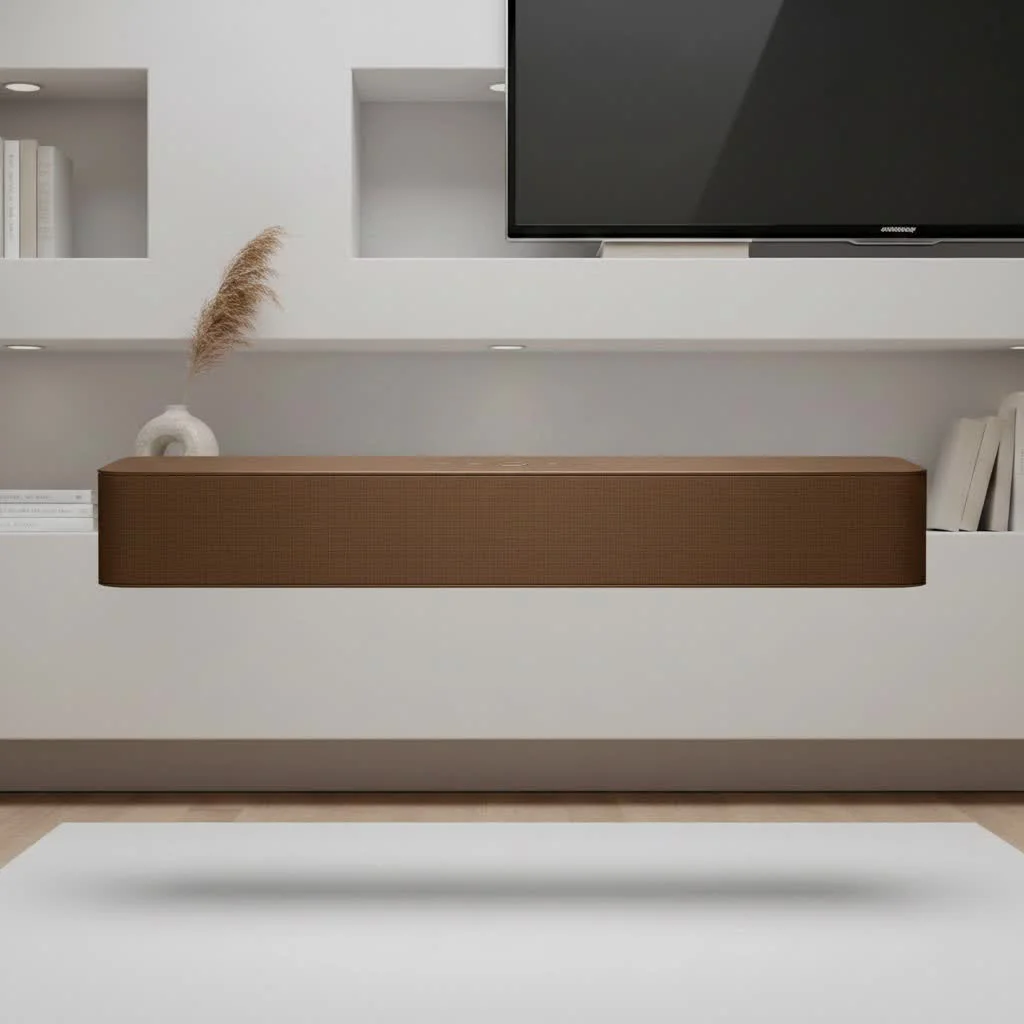
Onn sound bars feature a minimalist, no-frills design. The chassis is typically made of a simple, lightweight plastic that feels functional rather than premium. They are generally compact and low-profile, designed to fit neatly under most TVs without obstructing the screen. While the materials are basic, the build is generally solid enough for its purpose and price point.
Sound Quality: Punching Above Its Weight?
The most important question is, how does it sound? For most users, an Onn sound bar is a significant step up. Dialogue becomes clearer and easier to understand, and the overall sound has more body and presence. Models like the 2.0 channel stereo bar provide decent stereo separation, making your content feel more immersive.
However, the bass response on entry-level models is often lacking due to the absence of a dedicated subwoofer. While some models offer different sound modes like “Movie” or “Talk,” the overall audio profile is best suited for casual viewing rather than critical listening. For those seeking more impact, Onn does offer 5.1 systems with a wireless subwoofer that provides a much richer low-end experience.
Features and Connectivity
|
Our Picks for the Best Sound Bar in 2026
As an Amazon Associate I earn from qualifying purchases.
|
||
| Num | Product | Action |
|---|---|---|
| 1 | Sound Bar for Smart TV, 80W Soundbar with Bluetooth/ARC/Opt/AUX Connect, Auto Volume Boost, 3 Equalizer Modes, 2 in 1 Detachable Soundbar for TV/PC/Gaming/Projectors |

|
| 2 | VIZIO V-Series 2.0 Compact Sound Bar with Dolby Audio, DTS:X, Bluetooth V20x-J8 |
|
| 3 | Sonos Beam Gen 2 - Black - Soundbar with Dolby Atmos |
|
| 4 | Sonos Beam Gen 2 - White - Soundbar with Dolby Atmos |
|
| 5 | Samsung HW-C450 2.1ch Soundbar w/DTS Virtual X, Subwoofer Included, Bass Boost, Adaptive Sound Lite, Game Mode, Bluetooth, Wireless Surround Sound Compatible |
|
| 6 | Sound Bar for Smart TV, 80W Soundbar with Bluetooth/ARC/Opt/AUX Connect, Auto Volume Boost, 3 Equalizer Modes, 2 in 1 Detachable Soundbar for TV/PC/Gaming/Projectors |
|
| 7 | ULTIMEA 5.1CH Surround Sound Bar with Subwoofer, Dolby Atmos, VoiceMX, BassMX, APP, 300W Soundbar for Smart TV, Home Theater Surround Sound System for TV, BT 5.4, Poseidon M60 (2025 Model) |
|
| 8 | Sound Bar for Smart TV, 80W Soundbar with Bluetooth/ARC/Opt/AUX Connect, Dynamic Volume Boost, 3 Equalizer Modes, 2 in 1 Detachable Soundbar for TV/PC/Gaming/Projectors |
|
| 9 | Sony S100F 2.0ch Soundbar with Bass Reflex Speaker, Integrated Tweeter and Bluetooth, (HTS100F), easy setup, compact, home office use with clear sound black |
|
| 10 | MZEIBO Sound Bar with Subwoofer,120W Soundbar for Smart TV Surround Sound Home Theater System Bluetooth 5.3 Audio Compatible with ARC, AUX, Optical |
|
Onn sound bars cover the essential connection options needed for a modern setup. Key features typically include:
- HDMI ARC: This is the preferred connection method. It allows your TV to send audio to the sound bar and lets you control the sound bar’s volume with your TV remote, simplifying daily use.
- Optical Audio: A reliable digital connection that is a great alternative if your TV doesn’t have an available HDMI ARC port.
- Bluetooth: Easily stream music, podcasts, or other audio directly from your smartphone, tablet, or computer.
- Auxiliary Port: A standard 3.5mm jack for connecting other devices.
- USB Port: Some models include a USB port for playing music files directly from a flash drive.
How to Set Up Your Onn Sound Bar
One of the biggest selling points of an Onn sound bar is its simplicity. You can typically get it up and running in just a few minutes.
- Unbox and Position: Carefully unpack the sound bar and any included accessories. Place the sound bar centered in front of your TV, ensuring it doesn’t block the screen or the TV’s IR sensor.
- Connect to Power: Plug the included power cord into the sound bar and the other end into a wall outlet.
- Choose Your Audio Cable:
- For HDMI ARC (Best Option): Connect an HDMI cable from the port labeled “HDMI ARC” on your sound bar to the corresponding “HDMI ARC” port on your TV.
- For Optical: Connect the optical cable from the sound bar’s optical input to your TV’s optical output. Remember to remove the small plastic caps from both ends of the cable before plugging it in.
- Adjust TV Settings: Go into your TV’s audio settings menu. You will need to change the audio output from “TV Speakers” to “HDMI ARC” or “Optical/Digital,” depending on your connection. You may also need to set the digital audio format to “PCM.”
- Power On and Test: Turn on the sound bar using the power button on the unit or the included remote. Play something on your TV to confirm that sound is coming through the sound bar.
Expert Take by John Archer: “For the average consumer, the goal isn’t to replicate a commercial cinema. It’s about achieving clear dialogue and a sound that’s fuller than what their TV provides. Budget sound bars like Onn excel here. They solve the biggest problem—poor TV audio—with minimal investment and complexity.”
Common Onn Sound Bar Problems and Fixes
Even with simple devices, you can run into hiccups. Here are some common issues and how to solve them.
Why is there no sound coming from my sound bar?
First, double-check that the sound bar is powered on and that the correct input source (e.g., HDMI, Optical) is selected. Next, confirm that your TV’s audio output is set to your external sound system, not the internal speakers. Finally, ensure all cables are securely plugged in at both ends.
Why is my Onn sound bar remote not working?
The most common culprit is the batteries. Replace them with a fresh pair. Also, ensure there is a clear line of sight between the remote and the sound bar’s sensor, as obstructions can block the signal.
How do I fix Bluetooth pairing issues?
If you’re having trouble connecting your device, try turning off Bluetooth on your phone or tablet and then turning it back on. You can also “forget” the sound bar in your device’s Bluetooth settings and attempt to pair it again from scratch. Power cycling the sound bar by unplugging it for 30 seconds can also resolve connectivity glitches.
Who Should Buy an Onn Sound Bar?
An Onn sound bar is an excellent choice for a specific type of user. It is ideal for:
- Budget-Conscious Shoppers: If you want a noticeable audio improvement for a minimal price, Onn is hard to beat.
- Secondary Rooms: It’s a perfect fit for bedrooms, dorm rooms, or kitchens where you want better sound without a major investment.
- Tech Beginners: The simple, plug-and-play setup makes it incredibly user-friendly for those who aren’t tech-savvy.
- Dialogue-Focused Viewers: If your main complaint is muffled voices in TV shows and news, an Onn sound bar will provide immediate clarity.
Conversely, it might not be the best option for audiophiles, serious home theater enthusiasts, or those with large living rooms who desire powerful, room-filling surround sound.
Frequently Asked Questions (FAQ)
Q: Can I mount my Onn sound bar to the wall?
A: Yes, many Onn sound bar models come with wall mounting hardware and a template to guide the installation. However, be mindful that wall-mounting can sometimes make accessing the rear connection ports difficult.
Q: Does the Onn sound bar come with all the necessary cables?
A: Onn sound bars typically come with a power cord and basic audio connection cables. However, they may not always include an HDMI or optical cable, so it’s wise to check the box contents or purchase one separately to ensure you can use your preferred connection method.
Q: How do I reset my Onn sound bar?
A: Most models do not have a dedicated reset button. The most effective way to perform a “soft reset” is to unplug the sound bar from the power outlet, wait about 60 seconds, and then plug it back in. This can clear up many minor software glitches.
Q: Is an Onn sound bar really better than my TV speakers?
A: Overwhelmingly, yes. TV manufacturers often place speakers in the back or bottom of the unit, resulting in indirect, thin sound. A forward-facing sound bar provides a much clearer, fuller, and more direct audio experience that is a substantial upgrade for daily viewing.
The Final Verdict
The Onn sound bar stands as a testament to accessible technology. While it doesn’t compete with high-end audio systems, it isn’t designed to. Its purpose is to solve a common problem simply and affordably. For anyone tired of their TV’s subpar audio and looking for a significant upgrade without a hefty price tag or complicated setup, the Onn sound bar is a fantastic value proposition. It delivers on its promise of better sound, making your favorite shows and movies more enjoyable, and for that reason, it earns a strong recommendation for the budget-conscious consumer.
Get our weekly buyer guide
Practical specs, not advice. Unsubscribe anytime.
Got this for my son’s gaming setup because his TV sound was so tinny. He loves it! The sound quality is surprisingly good for gaming, and it was super easy to connect. It’s definitely a significant audio upgrade without breaking the bank, which was exactly what we needed.
I just wanted something simple and affordable to improve my living room audio, and the Onn sound bar delivered. I wasn’t expecting audiophile quality, but it really does enhance the home entertainment experience. It’s perfect for casual viewing and makes a noticeable difference with music too. Highly recommend for anyone on a budget.
I was really skeptical about a soundbar from Walmart’s house brand, but my TV’s built-in speakers were truly awful. This Onn sound bar made a huge difference for movies and shows. The dialogue is so much clearer now, and I don’t have to crank the volume to hear what people are saying. For the price, it’s a solid upgrade.
It’s decent for the money, I guess. Setup was super easy, which was a plus. My main complaint is that the bass is pretty weak, even with the ‘bass boost’ setting. It’s definitely better than my TV speakers, but if you’re looking for a really immersive sound experience, you might need to spend a bit more.