Are you tired of constantly adjusting your TV’s volume, struggling to catch every word of dialogue, or feeling like your favorite movies lack that immersive punch? You’re not alone. The built-in speakers in modern flat-screen TVs often fall short, leaving much to be desired in terms of audio quality. But what if there was a straightforward, elegant solution that could transform your viewing experience without cluttering your living space? Enter the Bose TV Sound Bar, a compact powerhouse designed to bring clarity, depth, and the renowned “Bose sound” right into your home.
At Mxwar.com, we’ve spent over 15 years immersed in the world of home audio, and we understand that sometimes, less is truly more. The Bose TV Sound Bar isn’t about complex setups or overwhelming features; it’s about delivering a focused, high-quality audio upgrade that makes every show, movie, and even podcast sound dramatically better. It’s the perfect bridge between your TV’s meager audio and a full-blown, complicated home theater system.
What Makes the Bose TV Sound Bar a Standout?
The Bose TV Sound Bar, often also referred to as the Bose TV Speaker, is meticulously engineered to address the most common frustrations with TV audio: muffled dialogue and weak sound. Its appeal lies in its purposeful simplicity and the undeniable quality it brings to your listening experience.
Simple Design, Powerful Performance
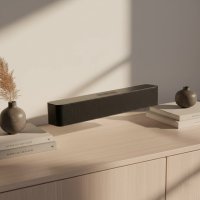
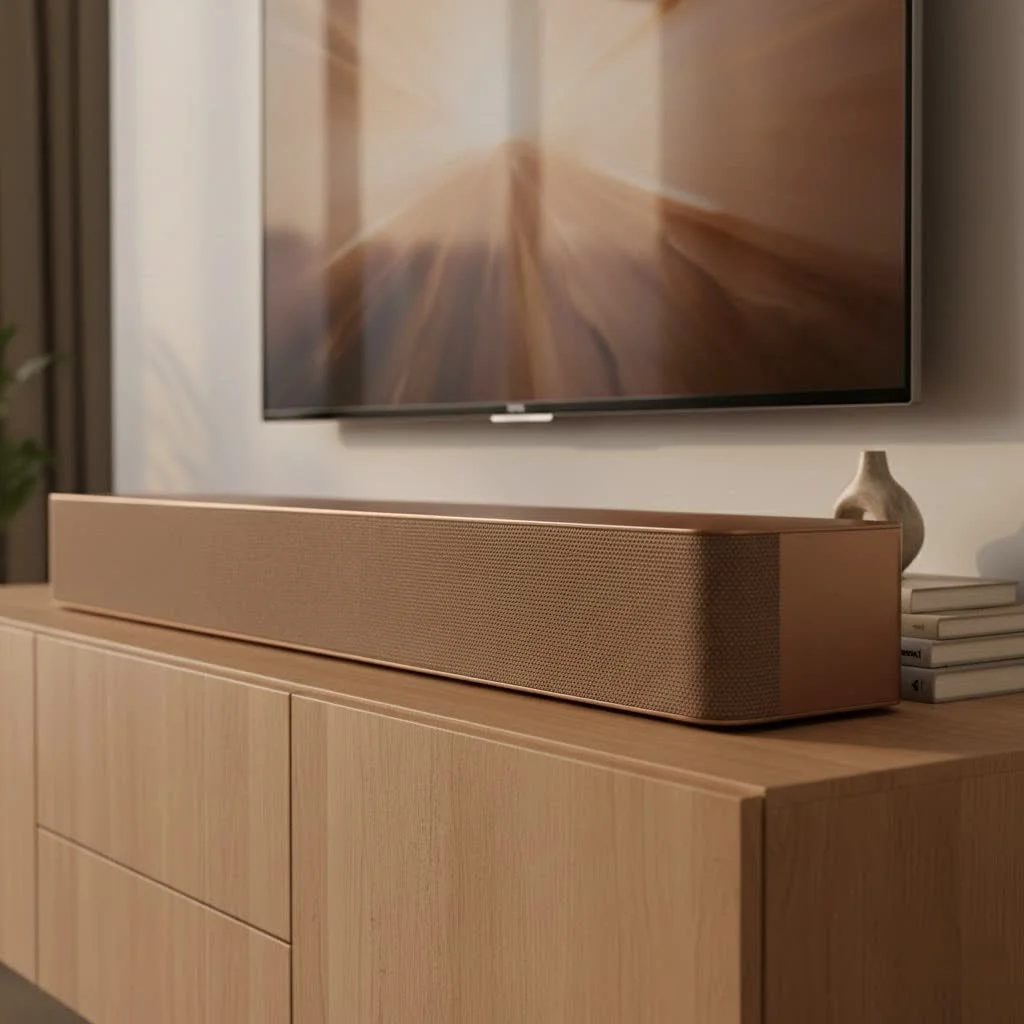
Don’t let its sleek, unassuming profile fool you. This compact sound bar packs a punch, offering a clear, balanced, and natural-sounding audio experience that significantly enhances both dialogue and overall sound performance. Measuring around 23 inches wide, it’s designed to fit seamlessly under most TVs without drawing undue attention to itself, thanks to its black matte finish and sturdy metal grille. It’s an ideal choice for those looking for maximum sound from a minimal footprint.
Crystal-Clear Dialogue
This is where the Bose TV Sound Bar truly shines. If you’ve found yourself constantly rewinding scenes to understand what characters are saying, you’ll appreciate its dedicated “Dialogue Mode.” With a press of a button on the remote, this feature analyzes what you’re watching, separates the vocals from other audio elements, and amplifies them, bringing speech to the forefront. It’s a game-changer for news, documentaries, and even action-packed dramas where dialogue can easily get lost in the mix. “For many, the most important aspect of TV audio is clear dialogue,” explains John “Sound Sage” Marshall, our lead audio engineer at Mxwar. “The Bose TV Sound Bar’s Dialogue Mode isn’t just a gimmick; it genuinely enhances speech, making every word easier to catch without cranking up the overall volume.”
Effortless Connectivity
|
Our Picks for the Best Sound Bar in 2026
As an Amazon Associate I earn from qualifying purchases.
|
||
| Num | Product | Action |
|---|---|---|
| 1 | Sound Bar for Smart TV, 80W Soundbar with Bluetooth/ARC/Opt/AUX Connect, Auto Volume Boost, 3 Equalizer Modes, 2 in 1 Detachable Soundbar for TV/PC/Gaming/Projectors |

|
| 2 | Sonos Beam Gen 2 - White - Soundbar with Dolby Atmos |
|
| 3 | ULTIMEA 5.1CH Surround Sound Bar with Subwoofer, Dolby Atmos, VoiceMX, BassMX, APP, 300W Soundbar for Smart TV, Home Theater Surround Sound System for TV, BT 5.4, Poseidon M60 (2025 Model) |
|
| 4 | Sound Bar for Smart TV, 80W Soundbar with Bluetooth/ARC/Opt/AUX Connect, Dynamic Volume Boost, 3 Equalizer Modes, 2 in 1 Detachable Soundbar for TV/PC/Gaming/Projectors |
|
| 5 | Sonos Beam Gen 2 - Black - Soundbar with Dolby Atmos |
|
| 6 | MZEIBO Sound Bar with Subwoofer,120W Soundbar for Smart TV Surround Sound Home Theater System Bluetooth 5.3 Audio Compatible with ARC, AUX, Optical |
|
| 7 | Sony S100F 2.0ch Soundbar with Bass Reflex Speaker, Integrated Tweeter and Bluetooth, (HTS100F), easy setup, compact, home office use with clear sound black |
|
| 8 | Samsung HW-C450 2.1ch Soundbar w/DTS Virtual X, Subwoofer Included, Bass Boost, Adaptive Sound Lite, Game Mode, Bluetooth, Wireless Surround Sound Compatible |
|
| 9 | VIZIO V-Series 2.0 Compact Sound Bar with Dolby Audio, DTS:X, Bluetooth V20x-J8 |
|
| 10 | Sound Bar for Smart TV, 80W Soundbar with Bluetooth/ARC/Opt/AUX Connect, Auto Volume Boost, 3 Equalizer Modes, 2 in 1 Detachable Soundbar for TV/PC/Gaming/Projectors |
|
One of the greatest strengths of the Bose TV Sound Bar is its plug-and-play simplicity. Setting it up is typically a one-cable affair, making it incredibly user-friendly, especially for those who shy away from complex tech. It supports connectivity via HDMI ARC (Audio Return Channel) or optical digital input. An optical cable is even included in the box to get you started immediately. HDMI ARC is often preferred as it allows you to control the sound bar’s basic functions, like volume, using your existing TV remote, thanks to HDMI CEC (Consumer Electronics Control) compatibility. Beyond TV audio, the built-in Bluetooth functionality allows for effortless wireless streaming of music, podcasts, and other audio from your mobile devices, transforming your sound bar into a versatile home audio hub.
Boost Your Bass (or Go Deeper)
While the Bose TV Sound Bar delivers a surprisingly rich and deep sound for its size, some content simply demands more low-end rumble. For those moments, a “Bass” button on the remote lets you dial in an extra punch to your audio. But if you’re a true bass enthusiast yearning for cinematic floor-shaking lows, the Bose TV Sound Bar offers an upgrade path: it’s compatible with optional Bose Bass Modules (like the Bass Module 500 or 700). Connecting one of these separate subwoofers will provide a much fuller, firmer sound and a truly chest-thumping low-frequency impact.
Setting Up Your Bose TV Sound Bar: A Breeze for Everyone
Getting your new Bose TV Sound Bar up and running is designed to be a quick and painless process. You don’t need to be a tech wizard to enjoy superior TV audio in minutes.
Choose Your Connection: HDMI ARC vs. Optical
The two main ways to connect your Bose TV Sound Bar to your television are via HDMI ARC or an optical digital cable.
- HDMI ARC (Recommended): Locate the HDMI port on your TV labeled “ARC” (Audio Return Channel). Connect one end of an HDMI cable (High-Speed or better) to this port and the other end to the “HDMI (ARC)” port on the back of your sound bar. This method simplifies control, allowing your TV remote to manage the sound bar’s volume and power.
- Optical Digital: If your TV doesn’t have an HDMI ARC port, or if you prefer this method, use the included optical cable. Connect one end to your TV’s optical digital audio output and the other to the “OPTICAL IN” port on the Bose TV Sound Bar.
Power Up and Play
Once your audio cable is connected, simply plug the included power cord into the “POWER” connector on the back of the sound bar and then into a live AC (mains) power outlet. The sound bar should power on, and you’ll typically see an indicator light.
Fine-Tuning for Perfection
After connecting, you might need to make a quick adjustment in your TV’s audio settings. Go to your TV’s settings menu (usually under “Sound” or “Audio Output”) and select the correct output – either HDMI ARC or Optical, depending on your chosen connection. Some TVs may also require you to enable the ARC function if using HDMI. Don’t worry, it’s usually a straightforward menu option.
Getting the Most Out of Your Bose TV Sound Bar Experience
Now that your Bose TV Sound Bar is set up, let’s explore how to optimize your audio and unlock its full potential.
Optimal Placement for Optimal Sound
While the Bose TV Sound Bar is compact, its placement can still influence sound quality. For the best experience, position it centrally under your TV, ensuring there are no obstructions in front of the sound bar. This allows the drivers to project sound clearly and effectively into your room. If you choose to wall-mount your TV, optional Bose wall brackets are available for a clean, integrated look.
Beyond TV: Bluetooth Streaming
Remember that built-in Bluetooth? It’s not just for convenience; it turns your Bose TV Sound Bar into a fantastic stand-alone music speaker. Easily pair your smartphone, tablet, or laptop and stream your favorite playlists, podcasts, or internet radio stations. It’s a great way to enjoy high-quality audio throughout your space, even when the TV is off. To pair a device, just press the “Bluetooth” button on the remote, and select the Bose TV Speaker from your device’s Bluetooth settings.
Considering a Bass Module?
If you frequently watch action movies, listen to bass-heavy music, or simply crave a more visceral audio experience, adding an optional Bose Bass Module is a worthy consideration. Products like the Bose Bass Module 500 or 700 integrate seamlessly, providing that deep, resonant bass that can truly transform your home entertainment. This upgrade will significantly enhance the dynamic range of your system, making explosions more impactful and music more profound. Keep in mind that these are separate purchases, but they offer a substantial leap in overall audio immersion.
Is the Bose TV Sound Bar Right for Your Home?
Deciding on the perfect audio solution can be tricky, but the Bose TV Sound Bar carves out a clear niche for a specific type of user.
Who It’s For
The Bose TV Sound Bar is ideal for individuals or families who:
- Prioritize Dialogue Clarity: If hearing speech clearly is your top concern, this sound bar is designed with you in mind.
- Seek Simplicity: Its easy setup and user-friendly operation make it perfect for anyone who wants a significant audio upgrade without technical headaches.
- Have Limited Space: Its compact design is a blessing for smaller living rooms, bedrooms, or anyone who prefers a minimalist aesthetic.
- Want a Notable Upgrade from TV Speakers: It’s a definite step up from built-in TV audio, offering richer, more detailed sound.
- Enjoy Music Streaming: The Bluetooth connectivity adds value by serving as a versatile speaker for your mobile devices.
Key Considerations
While excellent at what it does, it’s important to understand the Bose TV Sound Bar’s limitations to ensure it meets your expectations:
- 2.0 Channel System: By itself, it’s a stereo sound bar. It doesn’t offer true surround sound or immersive audio formats like Dolby Atmos or DTS:X. For a more cinematic, multi-channel experience, you’d typically need a more advanced (and often more expensive) sound bar system with satellite speakers and a dedicated subwoofer.
- Bass Performance (Without Module): While it has a bass boost, it won’t produce earth-shattering bass on its own. For that deep rumble, the optional Bass Module is essential.
- Volume Levels: Some users note it may not get extremely loud, so it might not be the best choice for very large, open-plan rooms or for those who frequently host loud parties.
Expert Insight: “The Bose Difference”
“What Bose has masterfully achieved with the Bose TV Sound Bar is distilling the essence of clear, high-quality audio into an incredibly accessible package,” says John “Sound Sage” Marshall. “It’s not trying to be a full home cinema; it’s focused on fixing the core problem of poor TV audio with minimal fuss. That dedication to purpose is what truly sets it apart, offering tangible benefits that users experience from the moment they plug it in. It’s the kind of subtle yet significant upgrade that makes you wonder how you ever watched TV without it.”
Troubleshooting Common Bose TV Sound Bar Questions
Even with the most user-friendly tech, sometimes a little troubleshooting is needed. Here are solutions to common issues you might encounter.
“No Sound” from TV: What to Check First
If your Bose TV Sound Bar isn’t producing sound from your TV, try these steps:
- Check Cables: Ensure the HDMI ARC cable or optical cable is securely plugged into both the TV and the sound bar. For optical cables, make sure the ends are fully seated until they “click” and check for a red light at the end of the optical cable (when disconnected from the sound bar but connected to the TV and TV is on) to confirm the TV is sending a signal.
- TV Audio Settings: Verify your TV’s audio output settings. Make sure it’s set to HDMI ARC or Optical, corresponding to your connection. Some TVs require ARC to be explicitly enabled in their menus.
- Bose Remote Input: Use the sound bar’s remote to ensure the correct input source (TV) is selected.
- Power Cycle: Unplug the sound bar from power for 30 seconds, then plug it back in. Sometimes, a simple reboot can resolve minor software glitches.
- Disable Other CEC Devices: If using HDMI ARC and experiencing intermittent sound, temporarily disconnect other HDMI-connected devices (like game consoles or streaming sticks) from your TV to see if they are interfering with CEC signals.
Bluetooth Connection Issues: Reconnecting with Ease
If your phone or tablet isn’t connecting via Bluetooth:
- Ensure Pairing Mode: Press the Bluetooth button on the Bose TV Sound Bar remote to put it into pairing mode (the light bar will indicate this).
- Forget Device: On your mobile device, “forget” or “unpair” the Bose TV Speaker from its Bluetooth settings, then try searching and pairing again.
- Check Range: Ensure your device is within a reasonable range of the sound bar.
Performing a Reset: When All Else Fails
If you’ve tried everything and still have issues, a reset can often clear persistent problems.
- Soft Reset (Power Cycle): This is usually the first step. Unplug the sound bar from power for about 30 seconds, then plug it back in.
- Factory Reset: For a full reset, which will wipe all settings and return the sound bar to its factory defaults, you might need to use a specific button combination on the remote or the unit itself. For some Bose soundbars (like the 500, 700, 900), this involves holding the Power and Skip Forward buttons simultaneously for at least 5 seconds. Check your specific Bose TV Sound Bar manual for the exact procedure. After a factory reset, you’ll need to go through the initial setup process again.
Frequently Asked Questions (FAQ)
Q1: Does the Bose TV Sound Bar support Dolby Atmos?
No, the Bose TV Sound Bar is a 2.0 channel system and does not support immersive audio formats like Dolby Atmos or DTS:X. It focuses on enhancing stereo audio and dialogue clarity.
Q2: Can I connect a universal remote to my Bose TV Sound Bar?
Yes, you can often program a universal remote to control basic functions of the Bose TV Sound Bar, especially if you’re using an HDMI ARC connection and your TV supports HDMI CEC. You might need to refer to your universal remote’s manual for specific programming codes or instructions.
Q3: Is the Bose TV Sound Bar wireless?
The Bose TV Sound Bar connects to your TV via a wired connection (HDMI ARC or optical) and requires a power cord. However, it features built-in Bluetooth for wireless audio streaming from mobile devices.
Q4: How do I enable Dialogue Mode?
Dialogue Mode is activated by pressing the “Dialogue” button on the included Bose TV Sound Bar remote control. The sound bar may also offer a “persistent” dialogue mode setting, meaning it stays on even after you power cycle the product.
Q5: What’s the difference between the Bose TV Sound Bar and other Bose soundbars?
The Bose TV Sound Bar is designed for simplicity, compactness, and primarily focuses on enhancing dialogue and providing a clear, balanced sound for TV viewing. Other Bose smart soundbars (like the Smart Soundbar 600, 700, or 900) are typically larger, offer more advanced features such as Wi-Fi connectivity, smart assistant integration (Alexa, Google Assistant), and support for immersive audio technologies like Dolby Atmos, often at a higher price point.
Conclusion: Transform Your TV Sound Today
In a world filled with overly complicated gadgets, the Bose TV Sound Bar stands out for its elegant simplicity and unwavering commitment to exceptional audio. It’s not just another speaker; it’s an intelligent upgrade that takes your TV’s audio from barely audible to crystal-clear and engaging. Whether you’re a movie buff, a TV series binge-watcher, or someone who simply enjoys listening to music and podcasts, this compact sound bar delivers a noticeable improvement that genuinely enhances your daily entertainment.
Stop settling for mediocre TV sound. The Bose TV Sound Bar offers a hassle-free path to richer, clearer audio, making every moment you spend in front of your screen more enjoyable. Visit mxwar.com for more expert advice on optimizing your home audio setup and discover how the right equipment, like the Bose TV Sound Bar, can make all the difference.
Get our weekly buyer guide
Practical specs, not advice. Unsubscribe anytime.